
Start with the software and accessories you already need
Make a short list of the programs, files and accessories you need to use on the first day. Ask a course or employer if it requires a particular operating system, software version, processor, memory capacity or security configuration. Check how you connect to displays, a network and any USB accessories. If you are moving from another laptop, confirm the old files can be opened or transferred using the setup you choose.
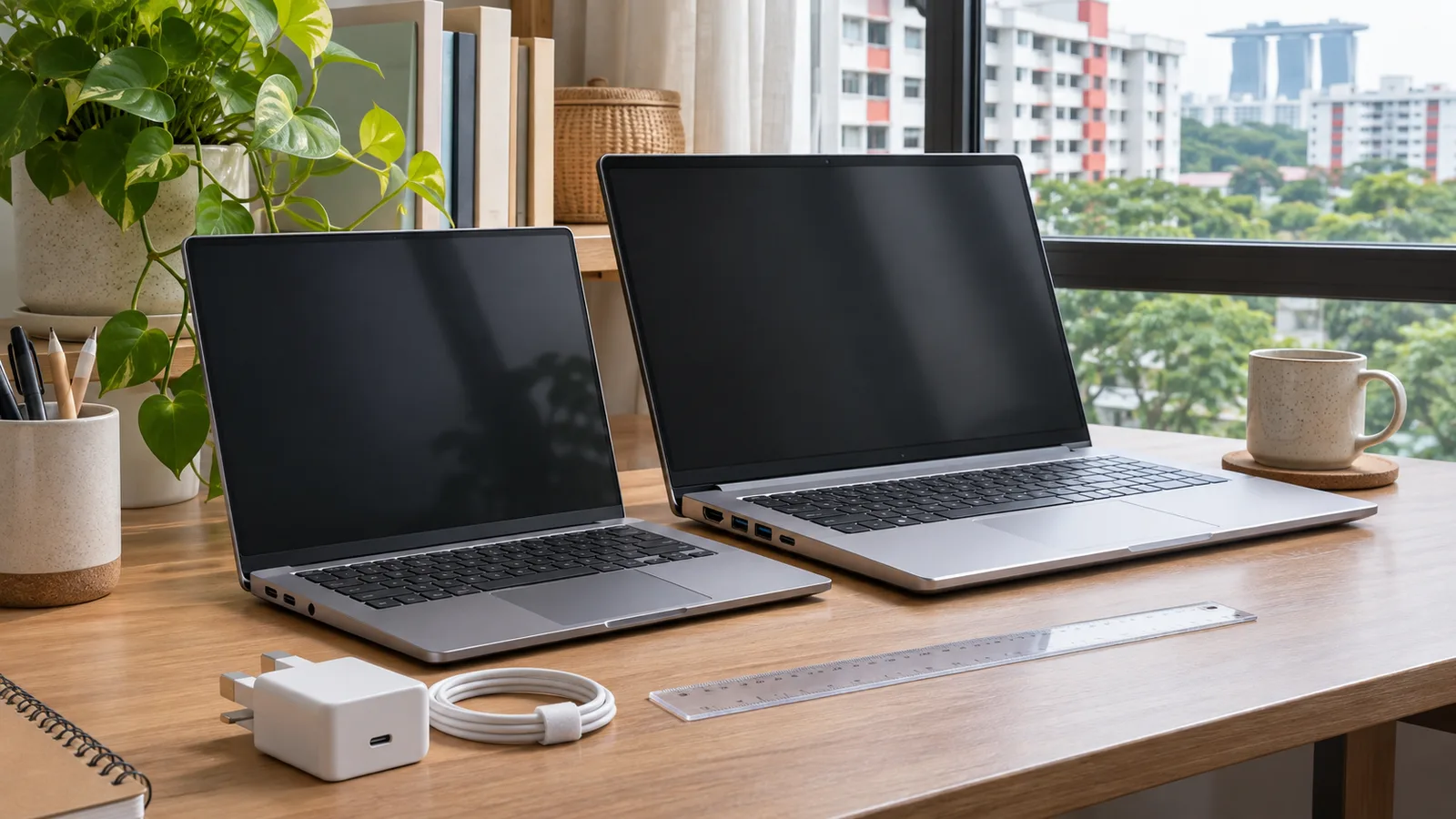
For a laptop used mostly at a desk, draw the display and charging arrangement. For a device carried several days a week, include the power adapter, protective case and any dock you actually need. If you make video calls, ask how the webcam, microphone and keyboard work for you in the room you use. A premium screen can be useful for some work, while spare memory or local service could matter more for a different routine.
Compare real Singapore model listings at the intended configuration
| Published option | Useful specification | Check before buying |
|---|---|---|
| Apple 13-inch MacBook Air with M5 | Apple shows 16 GB memory and 512 GB storage in listed configurations and gives a S$1,599 launch starting price. Use the current Singapore store for your chosen configuration. | Your programs and peripherals support macOS. Verify the ports and monitor setup for your accessories. |
| Acer Swift Go 14, SFG14-75T-52R0 | Acer Singapore lists 16 GB memory, 512 GB SSD and a 14-inch touch display for that variant. It lists 1.24 kg and three years’ carry-in Singapore warranty on that listing. | Match the complete SKU and sales channel. A similarly named OLED or non-touch version can have a different spec or warranty. |
| Lenovo ThinkPad E14 Gen 7 AMD | The local product family and Lenovo’s PSREF give the supported configurations and connector layout. | Match the complete model number. Ask which memory, storage, screen, charger and support plan are in the reseller quote. |
Read Apple’s Singapore technical specifications, Acer’s Singapore Swift Go 14 listings and Lenovo’s Singapore ThinkPad E14 Gen 7 page. Request stock and prices for the exact configurations available now. The comparison uses manufacturer specifications for the named listings.
Choose what the configuration needs to handle
Estimate a normal busy session. For study, it might include a video call, course notes, a spreadsheet and several browser tabs. For photo editing, keep a representative folder and look up how much space it uses before you include apps, exports and backup. For engineering or games, start from the published software’s specifications and ask whether a dedicated graphics option, different processor or approved driver is required. Run the comparison for the most demanding work you need to do regularly.
Ask which parts can be changed later, who can do it and what is covered by warranty. A larger drive now may help if the machine you are buying offers limited internal options after purchase. If using an external drive, include the port and how you will back up your work. Match the quote to what you can verify for that SKU. Retail tags describing a product family can cover several internal configurations.
Try the screen, keyboard and trackpad where possible. If you work by a bright window, look at the display from the angle you will use. If you are choosing for travel, pick up the device with its charger and check whether it fits your current bag. Use independent battery evidence for comparable workloads if you need to rely on a specific running time.
Compare the local support and the whole purchase
Open the manufacturer’s support and seller return terms. Check if the quote includes local carry-in, on-site service or an additional plan. Find out where the machine can be taken in Singapore and which proof it needs for service. If a school or company buys it through an education or institutional offer, confirm what the price includes and who owns the warranty.
Ask how long the same price and configuration are valid. List the laptop, memory and storage choices, any required accessories, transport and warranty upgrade. For an example, a S$1,450 laptop that needs a S$70 adapter and S$90 accessories totals S$1,610 before other charges. An alternative with those included may be easier to compare once you use the total. Check if a bundled service renews later and how to cancel it if you do not intend to use it.
On pickup or delivery, match the box and invoice to the complete SKU. Keep the receipt and serial number and check the seller’s notification period for damage or a missing item. Verify the required software and connections early while you still have the packaging and access to seller support.
Run a desk and travel test with the same shortlist
For a desk day, write down the display resolution and number of screens you need, the camera or headset connector, the location of the charger and any local network requirement. Check which ports support what you plan to connect. A port with the same physical shape can support different capabilities on different devices. Use the matching manufacturer documentation or ask the seller to show the setup. Price any dock with the correct power rating and cable before deciding between two similarly priced computers.
For a class or travel day, put the laptop dimensions and charger size beside the clear opening of the bag. Make a second list for power availability, time away from a socket and the work you expect to run. Ask what operating mode and display settings a battery estimate used. A short class with note-taking has a different workload from a session running video tools or other demanding software. Use an estimate backed by comparable work and plan an approved charging option if it matters.
Plan the migration and first-week checks
Make a backup through a route your school or employer permits and list the apps and accounts you need to recover. Set aside time for installation and updates. Check export or access to important projects before handing an old device over for trade-in or repair. If you are buying close to a deadline, confirm delivery or collection and leave time for a replacement if something arrives wrong.
In the first week, test the exact monitor, conferencing software, ports and Wi-Fi connection you listed. Save the model and service information. Record a problem and time if you need to contact the seller within a stated reporting window.
Sources
- Apple MacBook Air technical specificationsPublished specifications, connectors and options for Singapore Air models.
- Apple M5 MacBook Air Singapore launchSingapore launch price and purchase context.
- Acer Singapore Swift Go 14 listingsLocal Acer configuration and warranty for the named model.
- Lenovo ThinkPad E14 Gen 7 AMD SingaporeSingapore product line and configuration route.
- Lenovo PSREF ThinkPad E14 Gen 7 AMDManufacturer platform and connector specifications.