
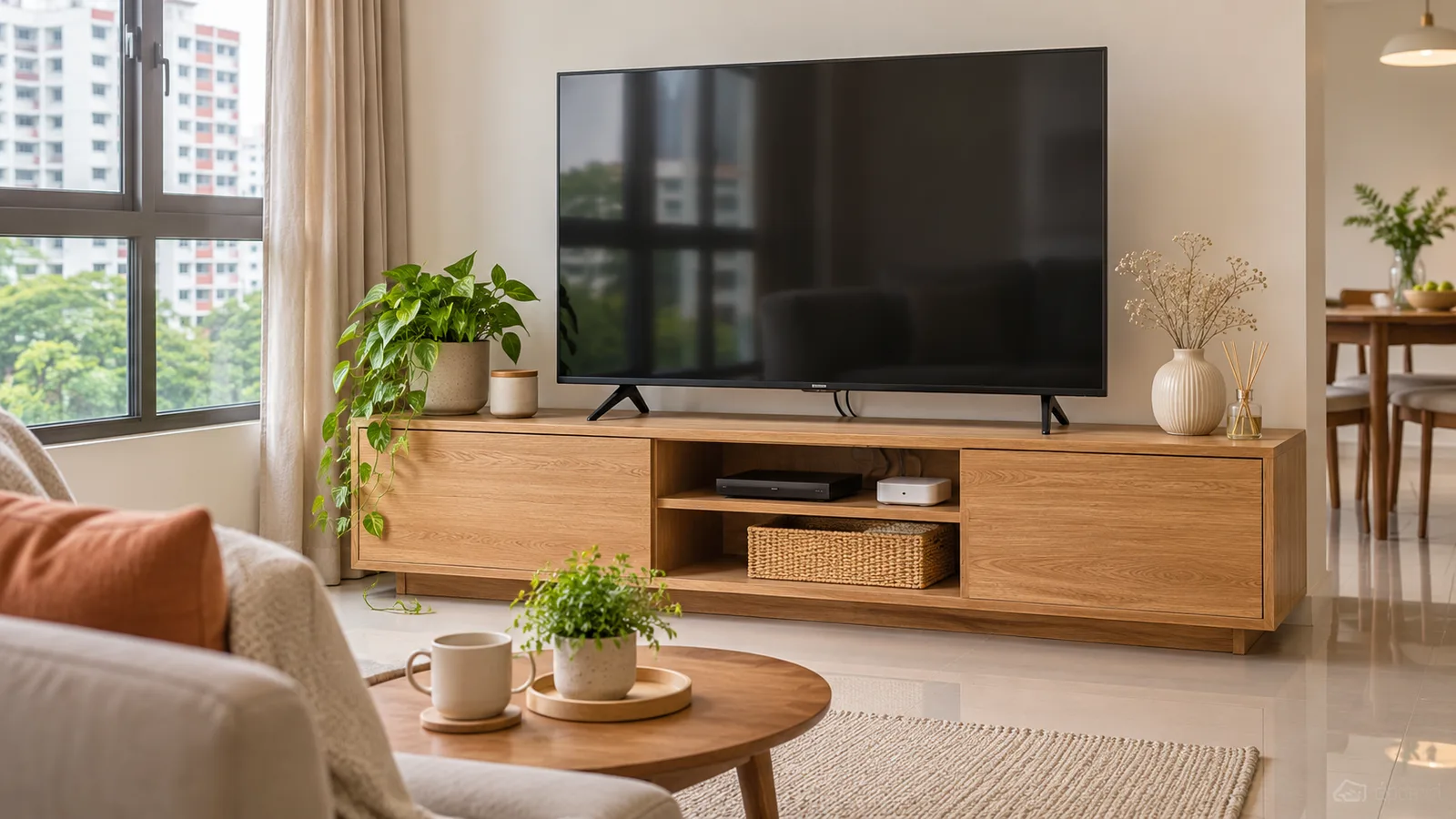
Compare console widths, shelf space and top rating
| Model | Width × depth × height | Listed top limit | Equipment and access |
|---|---|---|---|
| IKEA BRIMNES 120 cm, black | 120 × 41 × 53 cm | 30 kg TV | Open shelves, drawers and cable outlets at the back. Measure the actual shelf opening and rear cable path. |
| IKEA BESTÅ 180 cm, Björköviken oak veneer doors | 180 × 42 × 38 cm | 30 kg TV | Listed at 20 kg per shelf. Closed doors hide hardware, so check airflow around devices you leave on. |
| Castlery Vento 120 cm | 120 × 40 × 45 cm | 50 kg top | Castlery lists four cable holes and 56.4 × 30 × 15 cm compartments. Check the exact installed orientation and instructions. |
The 180 cm BESTÅ has more top width than the 120 cm Vento. It also has a different listed load rating. Measure the TV and follow both the console and TV manufacturer instructions when choosing the support.
Measure the TV stand rather than the screen diagonal alone
Use the TV manual for the set’s width, weight with the feet attached, outside foot span and foot depth. If the feet span 116 cm, a 120 cm console leaves 2 cm per side when centred. Check the usable top width after any raised edges, then ensure all feet rest flat without overhang. For a central pedestal, mark its full footprint instead. A wall-mounted TV has separate bracket and wall requirements.
Check where the screen sits from your normal seat. Mock up the bench height and soundbar. Avoid placing the soundbar where it can block the bottom of the picture, the controls or the remote receiver.
Fit each powered device with its cables installed
Measure the equipment’s body plus the plugs and space required by its manual. If your device is 32 cm deep before plugs are installed, it cannot sit flush in the Vento’s listed 30 cm compartments. A wide amplifier may also need space above it and around the sides. Check open shelves for devices that run hot and keep vents clear.
Look behind the furniture before choosing a cable path. Lay a cardboard template over wall sockets, data points and cable cut-outs. Confirm you can disconnect power or change inputs without dragging out the console. Feed each connector through its actual opening. The cable diameter alone does not tell you whether an HDMI head or a right-angle plug will fit.
Check wall fixing and delivery before scheduling
IKEA’s BESTÅ listing calls for fastening the floor-standing unit to the wall. Follow the exact unit’s fixing instructions and have a suitable installer assess the wall for any suspended unit or TV bracket. Castlery’s Vento listing says wall-mounting installation is separate. IKEA’s largest BESTÅ bench box is 184 cm long. Send the door, lift and sharp-turn measurements to IKEA or Castlery when requesting delivery.
Check a soundbar, game controller and router with the doors closed
Sketch a front view of the console with the actual soundbar, router and games equipment placed where you intend to use them. If a device’s remote needs a clear path, try it with the doors closed before fixing the console in place. Give the soundbar a position where the TV feet and screen base leave room, then check the device’s own guidance about vents and speaker openings. A unit with doors, such as the listed IKEA BESTÅ configuration, also needs a place for controls and controllers you use often. Measure the available space with the door hinges and any shelf adjustment in the position you will use.
Measure the stand and wall as a single arrangement
Set up the proposed console location from both ends. Measure the cabinet against the wall and note the width needed to open doors or drawers. At the same time, check the actual screen’s feet or pedestal. A television with feet near the screen edges may need a larger usable top than another screen with the same diagonal and a central pedestal. Open the television’s manual or setup drawing to find those dimensions and its weight with the stand installed.
Stand where you normally sit and check which electrical and signal outlets the cabinet would cover. Before ordering, sketch where the TV power, HDMI cables and network connection will travel. Account for the connector and bend behind every device. Reserve a route for cords when a drawer is fully closed. If the TV is to be wall mounted, confirm the weight and mounting pattern for the screen, the mounting bracket and what a suitable installer says your wall can carry.
Decide which equipment needs to stay available from the sofa
Draw a separate equipment list. Put a set-top box, console, router, speakers and any power supply in it with their dimensions, cable clearances and ventilation guidance. Mark which devices need a line of sight to a remote, need access from the front for discs or charging, or get warm while running. Read the manufacturer’s instructions for the clearance around each one. Some equipment is more practical on an open shelf if it needs a clear signal path or access even with the cabinet doors closed.
For the Vento example, the retailer gives an internal compartment 56.4 cm wide, 30 cm deep and 15 cm high. A hypothetical device measuring 27 cm front-to-back would have only 3 cm remaining within that depth before the plug and any required rear clearance. Measure its cable while plugged in and compare the result. Check whether the cable hole and the shelf opening allow the plug and the device to enter from the available side.
Check the display height and arrangement after delivery
Before fixing anything to the wall, mock up the screen at the expected height and sit where you normally watch. Include the height of the stand and any soundbar on top. If the soundbar might cover a sensor or the bottom of the screen, measure both. Decide which cables you want hidden and which need to be reachable. After assembly, check the floor and fixings according to the model’s instructions, then test the door and drawer travel with devices connected.
Check the socket before planning concealed cables
Find the plugs and adapters you already use. Decide which need to be reachable to reset a device. If the unit blocks access to a wall outlet, ask the installer where it can remain accessible and test the cable route before fixing the console.
Sources
- IKEA Singapore BRIMNES TV benchDimensions, TV load, open shelving and cable access.
- IKEA Singapore BESTÅ TV bench with doorsExact configuration dimensions, TV and shelf loads, wall fixing and packaging.
- Castlery Singapore Vento TV Console, 120 cmDimensions, compartment sizes, top/shelf load, cable holes and mounting options.
- IKEA Singapore deliveryFurniture delivery and access.
- Castlery Singapore deliveryAccess and fulfilment terms.