
Singapore fibre broadband offers at a glance
These examples show three different ways to pay for fibre at home. Figures and terms were checked against provider pages on 19 November 2026. Use the price for the same plan name, order channel and address on your written quote. Promotions and equipment allocations can change.
| Provider and plan | Price and commitment | What to check before paying |
|---|---|---|
| M1 HomePac 10Gbps, fibre only | S$26.90 per month, 24 months, via M1 shops. | An optical network terminal is included. Add your own router or check the optional S$8 per month router top-up. The promotion lists free standard installation and NetLink Trust registration. M1 offer |
| SIMBA 10Gbps with premium Huawei mesh | S$29.99 every 30 days, 720-day minimum. | The bundle includes optical network router and mesh hardware. Confirm the number of units and any activation waiver for your address. The formal summary lists S$61.04 activation where applicable. SIMBA offer and matching plan summary |
| MyRepublic no-contract 10Gbps | S$49.99 per month, billed in whole months. | The listed standard installation is S$59.90 and NetLink Trust activation S$61.04. A S$49.05 fee applies to cancellation within the first three months. Check router cost separately. MyRepublic offer and plan terms |
For another quote with equipment, check Singtel home fibre packages and StarHub broadband terms. Write down the supplied router model and port speeds alongside the price. Two bundles at the same nominal speed can serve quite different wired and wireless setups.
What the bill looks like over two, six or 24 months
The M1 fibre-only example costs S$645.60 over 24 months at its advertised monthly rate. Adding the listed S$8 monthly router option puts the same comparison at S$837.60, a S$192 difference over the contract. If your existing router already has the ports and coverage you need, make that S$192 your benchmark against buying another device. Confirm the price after the promotion and any services that renew separately. M1 HomePac promotion and router options
SIMBA’s S$29.99 charge repeats every 30 days. The 720-day Huawei contract is 24 payments, or S$719.76 in service charges before any applicable one-offs. Its equivalent average calendar-month rate over a 365-day year is about S$30.41. Both calculations describe the same recurring charge. The calendar estimate helps when aligning a budget with calendar-month rent. Confirm any one-off costs before adding a promotional waiver to your calculation. SIMBA billing and contract summary
For MyRepublic, two full billed months with S$59.90 standard installation, S$61.04 activation and the S$49.05 early cancellation charge total S$269.97 before router and address-specific extras. Six full billed months with the same setup charges total S$420.88 before router or extras, assuming cancellation falls outside the first three months and notice is on time. Give the stipulated seven days before the next billing cycle and ask the provider to confirm the final billed period. An extra cycle would add S$49.99 on this offer. MyRepublic no-contract terms
For a six-month tenancy, compare the exit cost at month six for each fixed-term quote with the month-to-month total over the same period. For a 24-month lease, compare all 24 bills, setup, the cost of the router or mesh units and any later price jump. Keep vouchers and credits on a separate line so the total shows what you will actually pay.
How much speed will one laptop or desktop get?
Start at the end device. A laptop wired to a 1Gbps port can exchange traffic over that link at up to 1Gbps before overhead, even when the fibre service can carry 10Gbps. Where an adapter or dock links the laptop to the network, check its Ethernet specification too. The router’s internet port and local network port, any intervening switch and the computer’s network interface all affect the result.
As an example, StarHub’s HB615 documentation lists one 5Gbps WAN/LAN port, one 5Gbps LAN port and one 2.5Gbps LAN port. With the combined port used for the incoming connection, a desktop on the dedicated 5Gbps port and a switch on the 2.5Gbps port have different link ceilings. A fast wired desktop plus several lower-speed clients may be a better fit for that arrangement than two workstations expected to use a full-speed link concurrently. Get the exact router for your package in writing. StarHub HB615 port specifications
For several work calls and TV streams, prioritise stability in the spots people actually use. For regular large uploads, one wired workstation with a capable connection can justify higher bandwidth. Online game responsiveness also depends on latency, routing to the server and consistency under load. If a gaming subscription costs more, identify the particular server, routing or support feature the fee buys and decide whether it fits the games you play.
Choose the router layout for the flat
In a small flat with a central router position, sketch the route to the desk, sofa and television first. If everything has a short path to the router, a standalone unit may cover your needs. Put a mesh node where it can maintain a strong link to the main router and still reach the problem room. In a layout with Ethernet points, ask whether the proposed mesh can use that wired connection between units and whether the wall jacks are connected at the termination cabinet.
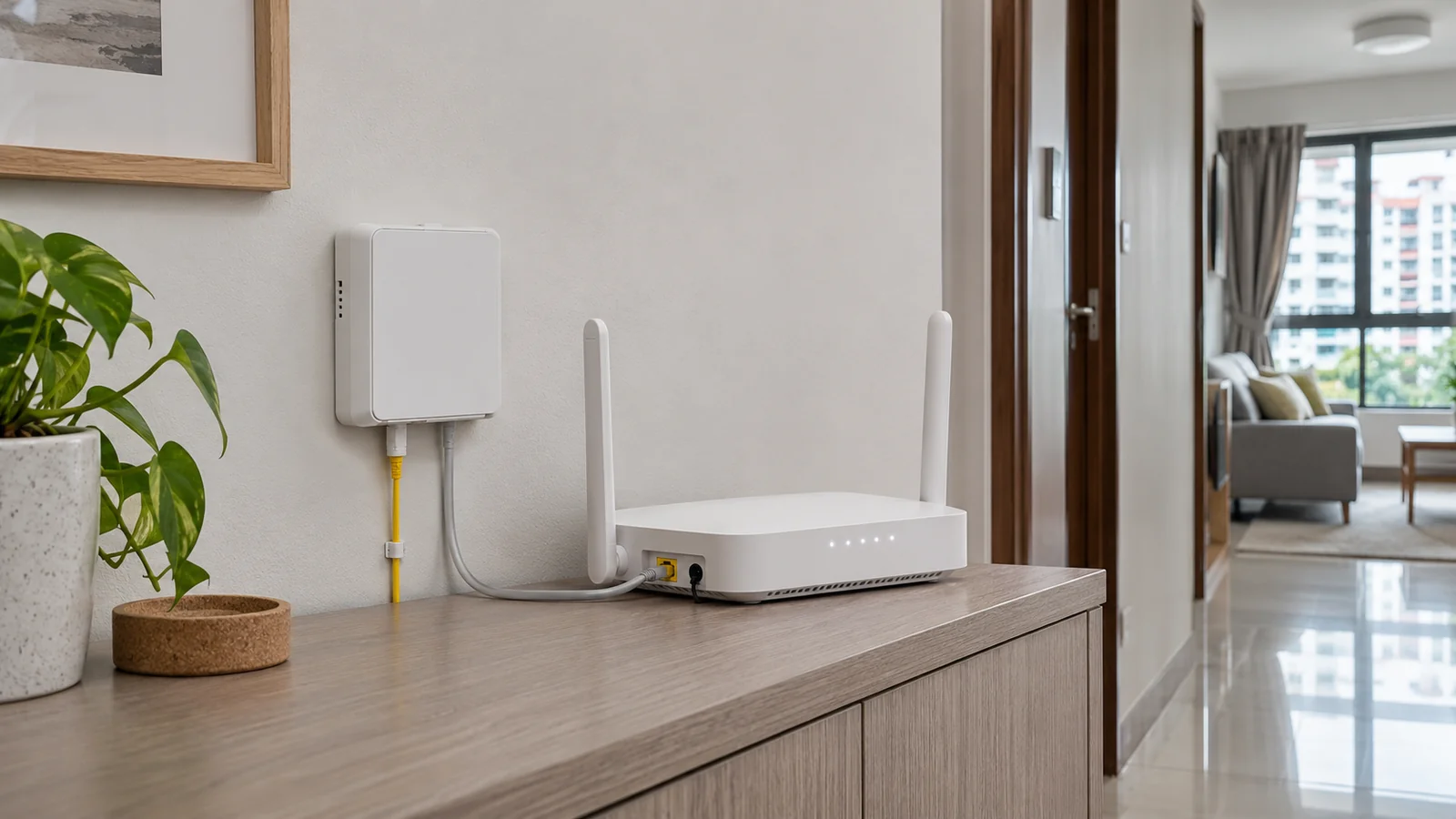
An optical network terminal or unit converts the fibre connection for equipment connected by Ethernet. An optical network router also handles routing. Ask which box the provider installs and which connection modes it supports if you want to keep your own mesh or use a customer-owned router. If both devices try to route the same home network you can create two layers of address translation, which is worth avoiding if you need incoming connections or particular console networking features. M1 describes customer-owned router use with its HomePac ONT. M1 optical network setup
Once the line is active, test a capable device wired to the main router, then run the same comparison on Wi-Fi at the work desk and other rooms at times you usually use them. A strong wired baseline and a weak result in one room point you toward placement, mesh or cabling. Record the device, connection, room and time so you can tell whether a change helped.
Check the exact unit and arrange the switch
Use NetLink Trust’s coverage checker and have the chosen provider verify your postal code and unit number. A previous resident’s service can still occupy a port. Tell the incoming provider about any unreleased line and ask which appointment and release process applies. If you already have a working plan, ask whether both services can run during a handover at your unit and book cancellation after the new connection is working where the available ports permit overlap. NetLink Trust residential FAQ
An activation on an existing fibre point and adding or relocating a fibre point are different jobs. For a rental, check the landlord’s permission for proposed new cabling. For an appointment near a move, confirm who will be at the unit and whether fibre work and router setup require separate visits. Ask for applicable site-specific or appointment charges. MyRepublic one-time charges and NetLink Trust installation information
Before agreeing, record the day service billing starts, minimum commitment, early exit amount at your likely moving date, relocation price, auto-renewal or price after the term, and any router return conditions. A plan that can be moved may still have an address check or transfer fee. Ask the outgoing provider which devices and power supplies it expects back and keep proof when returned. Example StarHub contract and transfer terms
Plan for the week you move
If broadband is essential for work, set a date by which the new unit needs a working connection. Ask the provider which date is a booked activation and which is an estimate. Leave time to check the wired link and test a video call at the actual desk before a critical workday. A temporary mobile hotspot can bridge a gap if you check its indoor reception, tethering allowance and remaining data before the move. Ask about the old line’s notice deadline separately so you can choose how much overlap to pay for.
Which quote should you get first?
If you have a stable address for two years and already own a router you like, get an M1 fibre-only quote and confirm your equipment works with it. If you need several mesh units, get a complete SIMBA quote and compare it with a hardware-inclusive offer covering the same rooms. If your tenancy may end early, price MyRepublic or another short-term option for your actual period of use and ask each fixed-term provider what exit would cost on the same date.
This comparison uses published Singapore provider listings, hardware documentation and contract terms. Home Wi-Fi results depend on the equipment and layout at your address. Save the written quote with the exact plan and equipment codes so you can compare the first bill with the price you accepted.
Sources
- M1 HomePac 10Gbps plansM1 shop-only fibre-only promotion, included activation and available router additions.
- SIMBA fibre plansCurrently advertised bundles and possible promotional installation or activation waivers.
- SIMBA Huawei mesh plan termsPlan-specific billing period, mesh equipment, appointment fees and minimum term.
- MyRepublic no-contract 10Gbps broadbandCurrent offer, optional router purchase and hardware setup.
- MyRepublic no-contract 10Gbps termsMonthly charge, setup charges, billing cycle, cancellation fee and notice.
- Singtel home broadbandCurrent home fibre and mesh packages for comparison.
- StarHub broadband service termsContract commitment, change of address and cancellation terms.
- StarHub HB615 technical supportNetwork ports and optional extra mesh unit cost.
- NetLink Trust fibre for homesCoverage check portal and network access arrangement.
- NetLink Trust residential connection FAQFibre termination points, appointment coordination and unreleased ports.
- MyRepublic standard one-time chargesProvider charges for nonstandard services and changes.